

Archicad 29 brings together several minor improvements around a few major investments: a built-in AI Assistant, cleaner documentation controls, clearer 3D outputs, and broader openBIM access.
This tool shortens the distance between results, models, meaning, and output while improving the way teams exchange data across platforms. Launched in early October 2025, this tool aims to transform daily BIM friction into faster and clearer decisions.


New and First-Time Features in Archicad 29
The title is Graphisoft’s AI Assistant, designed to direct tasks, highlight features, and speed up navigation, and is directly integrated into the user interface. By taking the next step with interoperability, native OBJ import, and the adoption of IFC 4.3, it expands project exchange towards infrastructure-aware workflows. On the output side, 3D view resolution is clearly adjustable for crisp visuals, while documentation is equipped with practical controls that reduce redline noise. The main idea is to spend more time designing rather than searching for settings.
Introducing the Graphisoft AI Assistant
Archicad 29 now features a contextual in-app assistant. This assistant responds to natural language commands, guides commands, and helps both new and expert users maintain their momentum. Because it is designed to be integrated rather than an add-on, it can guide you to the right setting or workflow when you need it. This is particularly important when deadlines shorten decision-making time. The assistant is available as a Beta version, but its scope already includes navigation assistance and task support within the product family. For applications, this is less about exaggerated advertising and more about reducing the time needed to get used to complex features and flattening the learning curve.
Productivity
Illustration
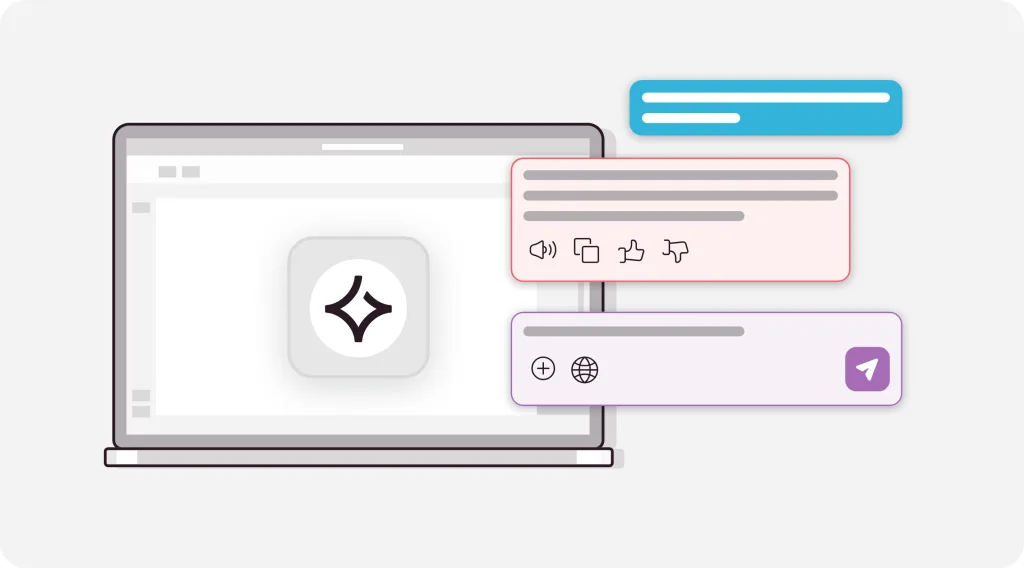
The Graphisoft AI Assistant logo is displayed on a laptop screen, surrounded by colorful chat bubbles and feature icons symbolizing fast and intuitive digital support.
AI Assistant in Archicad
Focus on your design while the AI handles the heavy lifting. The AI Assistant helps you learn tools faster, navigate models effortlessly, and reduce the time spent searching for commands. It’s always available and ready to support your workflow.

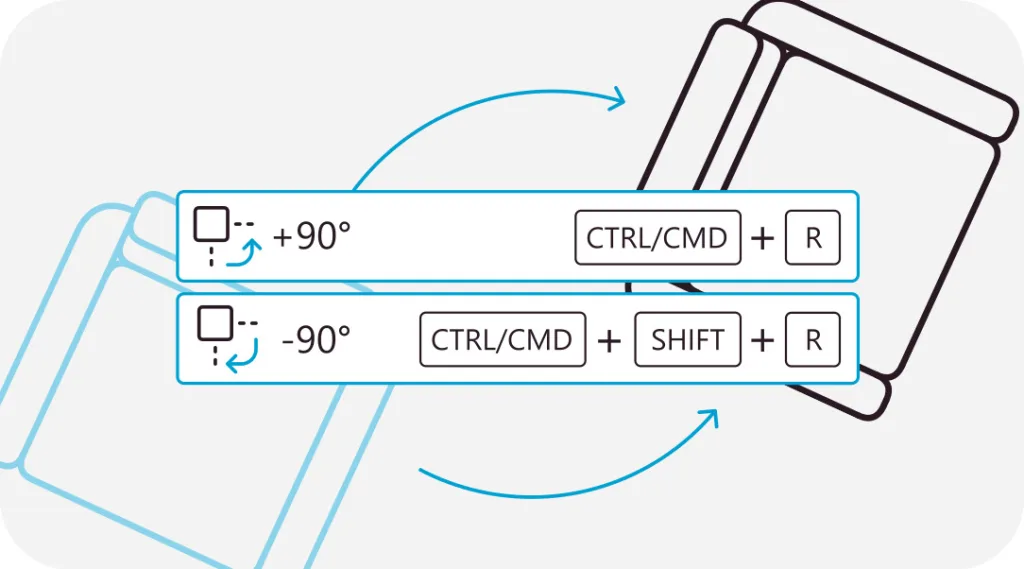
Rotate Items Instantly
Rotate items exactly 90° using quick keyboard shortcuts:
• CTRL/CMD + R: clockwise
• CTRL/CMD + SHIFT + R: counterclockwise

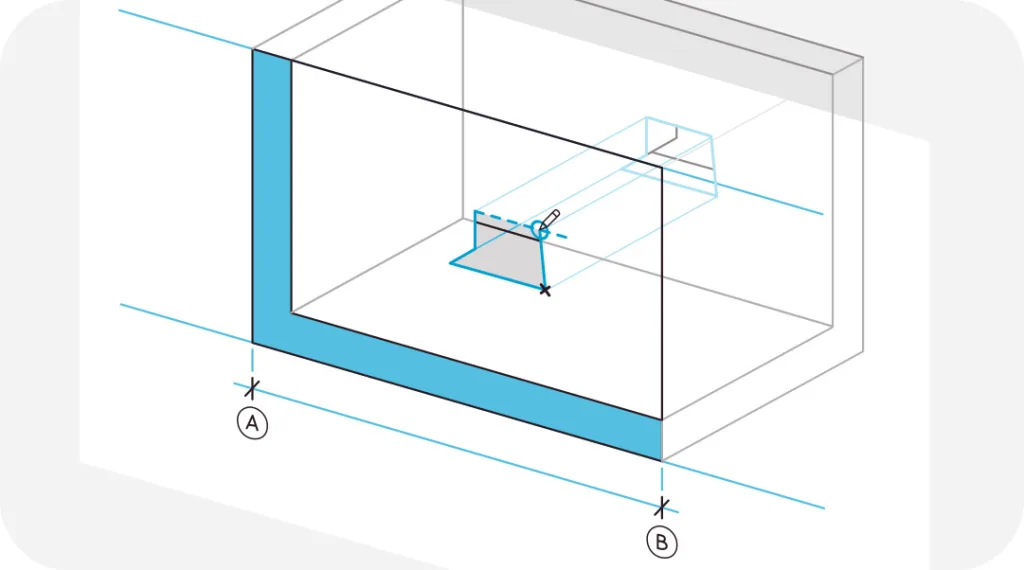
Add Openings Directly to Section/Elevation Views
Add any type of opening directly to Section, Elevation, or Interior Elevation views… even on angled or non-parallel surfaces. Hello precision.

Kitchen Cabinet Flexibility
Enjoy advanced adjustment options and user-focused improvements for a more adaptable kitchen cabinet design.
Finding and Filtering Unused Views
Keep your documents organized and error-free by instantly filtering unused views.
Check 3D View Resolution
Set and manage DPI for crystal-clear 3D visuals every time.
Dark Mode on macOS
Seamlessly switch between light and dark themes for the best viewing experience on macOS.
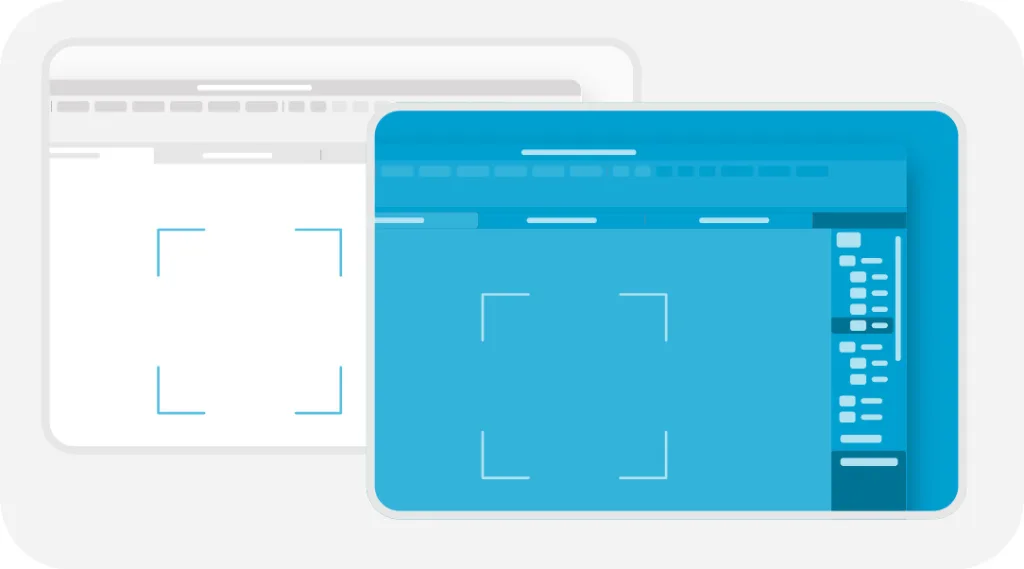
Documents
Refresh Status for Markers
Assign refresh stages to markers so that only the correct elements appear in each drawing output.
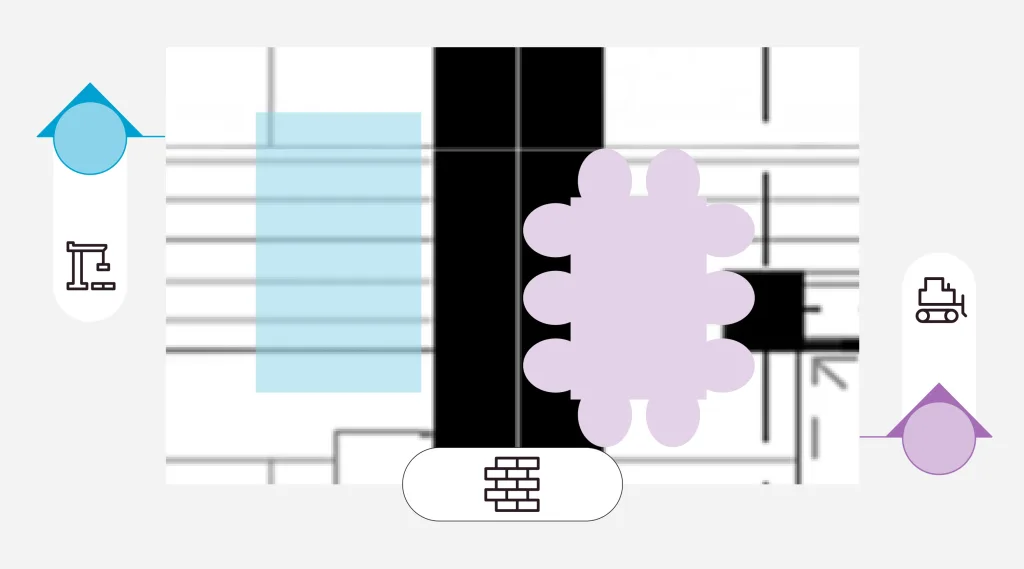
Special Arrowheads for Line Tools
Mix and match different arrowheads at the start and end points of lines for clearer communication.
Advanced Program Formatting
Achieve richer and more precise data visualization in programs with enhanced formatting, color options, and display control.
Collaboration
Bimplus Connection
Publish directly to Bimplus for easy and consistent model coordination across the discipline.
Local OBJ Import
Seamlessly import external 3D objects into your project with local OBJ import support.
Bluebeam Studio Connection
Streamline teamwork by converting Studio annotations into Archicad issues.
MEP Designer
MEP Designer provides BIM workflows to mechanical, electrical, and plumbing engineers through a simplified and intuitive environment. It can be used as a standalone solution or fully integrated with Archicad (Archicad Collaborate plan required). Contact your Graphisoft Partner to learn about availability in your region.
Efficiency
AI Assistant in MEP Designer
Your built-in expert for modeling speed and feature discovery. The AI Assistant (BETA) helps you improve performance and design by eliminating repetitive tasks.
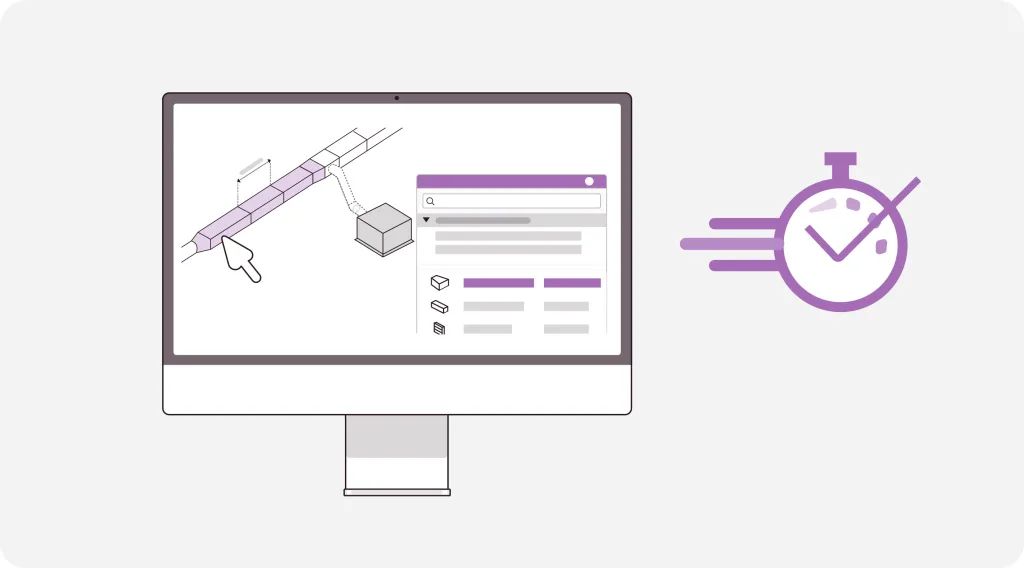
One-Click Accessory Placement
Automatically and accurately add accessories and connectors to routes with a single click.
“Set” Command for Seamless Routing
Quickly connect route elements in any view for cleaner and faster modeling.
Smarter Routing and Terminal Connections
Visual guidance makes it easy to connect terminals even in complex layouts and on slopes.
Remove Unnecessary Route Nodes
Instantly clean up your model by automatically deleting excess nodes.
Configurable Connection Ports
Easily select and change any connection port.
Find All Open MEP Connections
Instantly highlight open ends for better coordination and reliability.
Extended MEP System Types
A model that includes more system categories for richer building data.
System Browser Enhancements
Navigate, group, and organize systems with more intuitive controls.
Channel Size Optimization Improvements
Change channel sizes faster using a more compact and efficient interface.
Ventilation Requirements by Region
Review airflow compliance by region at a glance and ensure consistency throughout the project.
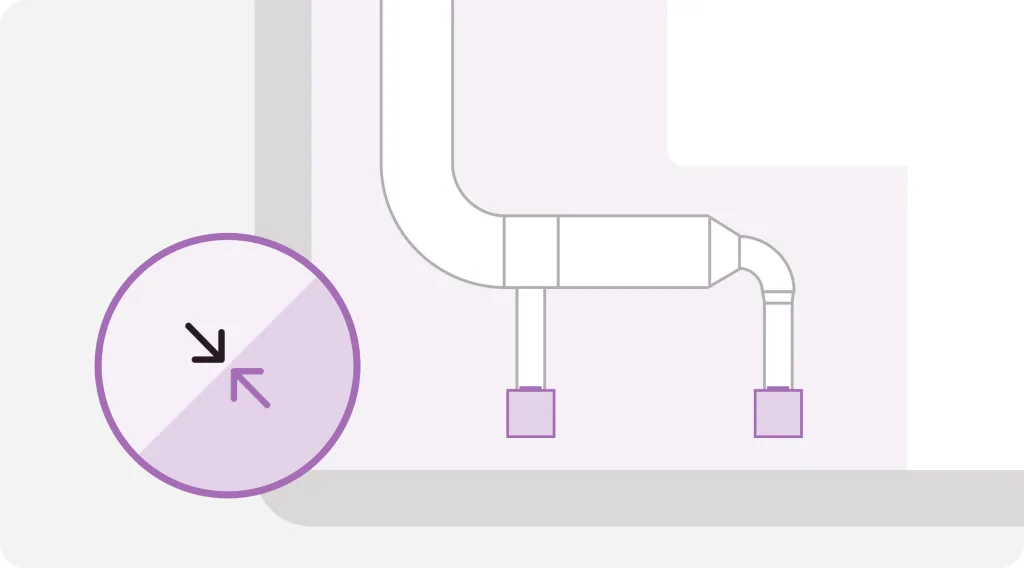
Detailed Ventilation Documents
Effortlessly create precise ventilation drawings.
Faster Slope Input
Enter slope values directly from the monitor for faster updates.
Tilt Feedback on Screen
Visually verify the tilt direction and value instantly.
Adjust Slopes on Existing Routes
Adjust slopes without disrupting the rest of the system.
Automatic Connection Based on Pipe Angles
Allow the software to suggest the correct connection parts for proper, angle-based connections.
Automatic Branch-Elbow Conversion
Add a branch and have the elbow automatically convert to comply with standards.
Hydronic System Redimensioning
Optimize heating and cooling pipe sizes with built-in performance calculators.
MEP Documents
Built-in Features for Timing and Tags
Use standard MEP features for consistent querying, tagging, and timing.
Symbolic Representation of MEP Elements
Switch to symbolic representation for clearer and regulation-compliant documentation.
Key Notes for MEP Elements
Apply key notes directly and automatically generate annotations for fully coordinated outputs.
Support and enhanced interoperability for IFC 4.3 for the first time
Archicad 29 brings IFC 4.3 into daily use, making it compliant with the latest standard published by ISO and enabling cleaner information exchange with tools and teams working on linear infrastructure. IFC 4.3 formalizes alignments and horizontal assets such as roads, railways, bridges, and waterways, improving coordination at the intersection of architectural and civil engineering contexts. In practice, this means fewer translation errors and more reliable transfers between BIM and GIS workflows. This is a strategic step towards future-proofing projects where buildings and infrastructure intersect.
Local OBJ import and enhanced 3D resolution controls
Since OBJ files can now be imported locally, there is no longer a need to resort to convoluted workarounds using converters to transfer external objects, furniture, or context networks into Archicad. This simplifies collaboration with visualization artists and product libraries that still publish in OBJ format, reducing accuracy loss during model transfers. Additionally, by adjusting DPI for 3D views, you can achieve consistent and clear outputs in layouts without the need for post-processing. These changes collectively tighten the loop between model accuracy and presentation clarity.
New automation in documentation: custom arrowheads, program formatting, update status
Documentation gains practical precision: line tools can confuse start and end arrowheads, programs offer finer formatting and color control, and markers can carry their own refresh states. These are small changes that result in drawings with less ambiguity, clearer stages, and programs that convey intent at a glance. As a result, there is less back-and-forth in reviews, and a smoother path is followed from the model to permit or tender sets.
How is Archicad 29 being marketed to architects and firms?
Positioning as “Smarter vehicles, better workflows, one powerful ecosystem”
Graphisoft’s 2025 launch presents Archicad 29 as part of an interconnected toolchain, with the slogan “Smarter tools. Better workflows. One powerful ecosystem.” repeated throughout the launch materials. This slogan appears in the product launch video and partner presentations, uniting Archicad with MEP Designer, DDScad, and BIMcloud as a single family rather than separate applications. This positioning signals a portfolio strategy: investing in the ecosystem to bring design, documentation, and collaboration together in a single continuum.
Messages about efficiency, collaboration, and design innovation
Official statements are based on a triple advantage: faster productivity, cleaner collaboration, and a step toward AI-powered “Design Intelligence.” The “Innovations” hub and press notes highlight AI Assistant BETA, which not only improves quality of life but also reduces time spent on search and setup, allowing teams to focus on model decisions. The text repeatedly uses the phrases “Best Design Experience” and “freedom to focus on what matters,” linking the innovations to tangible daily gains.
Marketing channels: preview programs, beta access, industry events
Graphisoft is heating up the market with its Technology Preview (sneak-peek) program, which offers selected users early access to the next Archicad version and its features. This process is supported by live launch content on YouTube and “Innovations” training sessions. Additionally, ongoing key events like Building Together, where product updates and roadmaps are unveiled, contribute to this process. Media and trade news amplify this momentum; third-party publications cover the 29 launch and AI focus, reaching decision-makers beyond the user base.
Subscription model changes and licensing strategy changes
With Archicad 29, Graphisoft continues the transition from perpetual licensing to subscription licensing, positioning it as a “future-oriented” model with conversion offers for SSA/Forward customers. Company and parent group announcements state that Archicad will only be available via subscription by 2026, and bridge programs will be implemented in 2024-2025 to migrate existing contracts to the Studio or Collaborate tiers. The support notes detail the timing, major updates, and downgrade windows during the transition and emphasize that the licensing strategy is now part of the product story that companies need to plan for.
How Will Architects and Firms Use Archicad 29 in Practice?
Workflow transformations: higher speed from modeling to documentation
Teams will feel the speed in small but cumulative actions every day: the in-app AI Assistant reduces the time spent searching through menus, rotation and 3D resolution controls shorten the path from model to clean schedules, and programs gain finer formatting at the cell level. These additions transform routine adjustments into predictable, frictionless steps, so modeling, documentation, and publishing happen with fewer detours. The value lies in momentum: fewer context switches, more continuous transitions from geometry to drawings.
Collaboration enhancements: cloud teams, BIMcloud, real-time multi-user collaboration
BIMcloud supports multi-user collaboration with a delta server that efficiently synchronizes changes and supports distributed teams, reservations, and offline edits. In practice, this behaves almost like real-time, but it is noted that it is not fully live for every action in community headers; this is important when setting team expectations. When BIMx and Bluebeam annotations are converted into BCF issues fed directly into Archicad’s Issue Organizer, issue workflows tighten and the loop between field, review, and write-up closes. The net result is fewer bottlenecks between offices and clearer accountability for who changed what.
Usage examples: early design, detailed coordination, life cycle and sustainability data
Early concept work combines Archicad with AI Visualizer to explore quick variations that look like sketches but remain connected to BIM. Detailed coordination improves where architecture meets infrastructure via IFC 4.3, while RFA and RVT geometry exchange streamlines Revit families and project context without rebuilding; Bluebeam feedback returns as actionable issues rather than static markups. For lifecycle thinking, built-in Energy Assessment helps predict performance early, and property-focused quantities support concrete carbon-style reporting when offices add their own factors. When these uses come together, ideas start flexible, become precise in coordination, and remain measurable throughout the building’s life.
Integration with existing tool chains: migration from legacy systems, interoperability, third-party workflows
Archicad 29 is based on openBIM: native IFC 4.3 I/O, native OBJ import for contextual assets, and BCF pipelines for issues. Revit handshakes are achieved with RFA & RVT Geometry Exchange and the RVT 2024–2025 export feature described in the help documentation, which facilitates transition strategies and mixed stack projects. Nemetschek ecosystem connections, including Bimplus, expand model merging options alongside BIMcloud. Practically, data input and output become simpler, allowing firms to modernize without abandoning their existing libraries, consultants, or QA tools.
Industry Impacts and Strategic Implications
Impact on the competitive landscape: How does Archicad 29 challenge other BIM tools?
Archicad 29 enters the market with an embedded AI Assistant and ISO-certified IFC 4.3 exchange, positioning Graphisoft to compete on guidance and open data rather than lock-in. This is significant against competitors where IFC 4.3 support remains unstable or underdeveloped in stacks like Revit, Civil 3D, and Navisworks, with “experimental” or partial implementations being common. The net result is that while competitors are pressured to close gaps in infrastructure-aware IFC, Archicad pairs this with an in-app assistant that reduces time lost in searching and setup. In short, Archicad reframes parity around supported workflows and robust openBIM, rather than just feature lists.
Implications for architectural practice: personnel, skills, process change
The in-product assistant shortens the onboarding period for newcomers and helps experienced employees maintain their momentum, shifting training toward rapid literacy and model hygiene. The wider adoption of IFC 4.3 encourages applications that understand compatibility and horizontal context when buildings intersect with roads, rails, and bridges, which changes coordination meetings and issue logging. The skill mix is geared not only toward tool mastery but also data management and open standards, though smaller studios may encounter adoption barriers requiring clearer guidance and templates. Firms that embed these habits early will see them reflected in fewer rework cycles and faster decisions.
Corporate-level strategy: Adopting Archicad 29 for future readiness and digital transformation
Since Graphisoft has completed its transition to a subscription system, licensing has now become a strategic decision. Conversion paths are available for SSA or Forward customers, and starting in 2026, purchases will only be available via subscription. A practical roadmap involves testing Archicad 29 on a live project, strengthening IFC 4.3 exchange with civil partners, and documenting standards for AI-supported workflows and issue tracking. Measured KPIs should include onboarding hours, conflict turnaround time, and the percentage of packages exchanged via open formats. Consider this both an upgrade tool and a contractual preparation step for clients requiring mandatory open delivery.
Broader industry and sector impacts: standards, interdisciplinary collaboration, customer expectations
IFC 4.3’s ISO status provides a clearer basis for owners and agencies to demand infrastructure-aware iterations and increases expectations for interdisciplinary fidelity from day one. Product launches and trade scope demonstrate that supported content creation and portfolio-wide connectivity have become fundamental, normalizing faster reviews and data-rich outputs. As these norms become widespread, consultants and contractors will expect clean BCF issue cycles and consistent model resolution rather than temporary exports. The result is a tighter supply chain where interoperability and guidance are treated as quality standards rather than optional extras.